

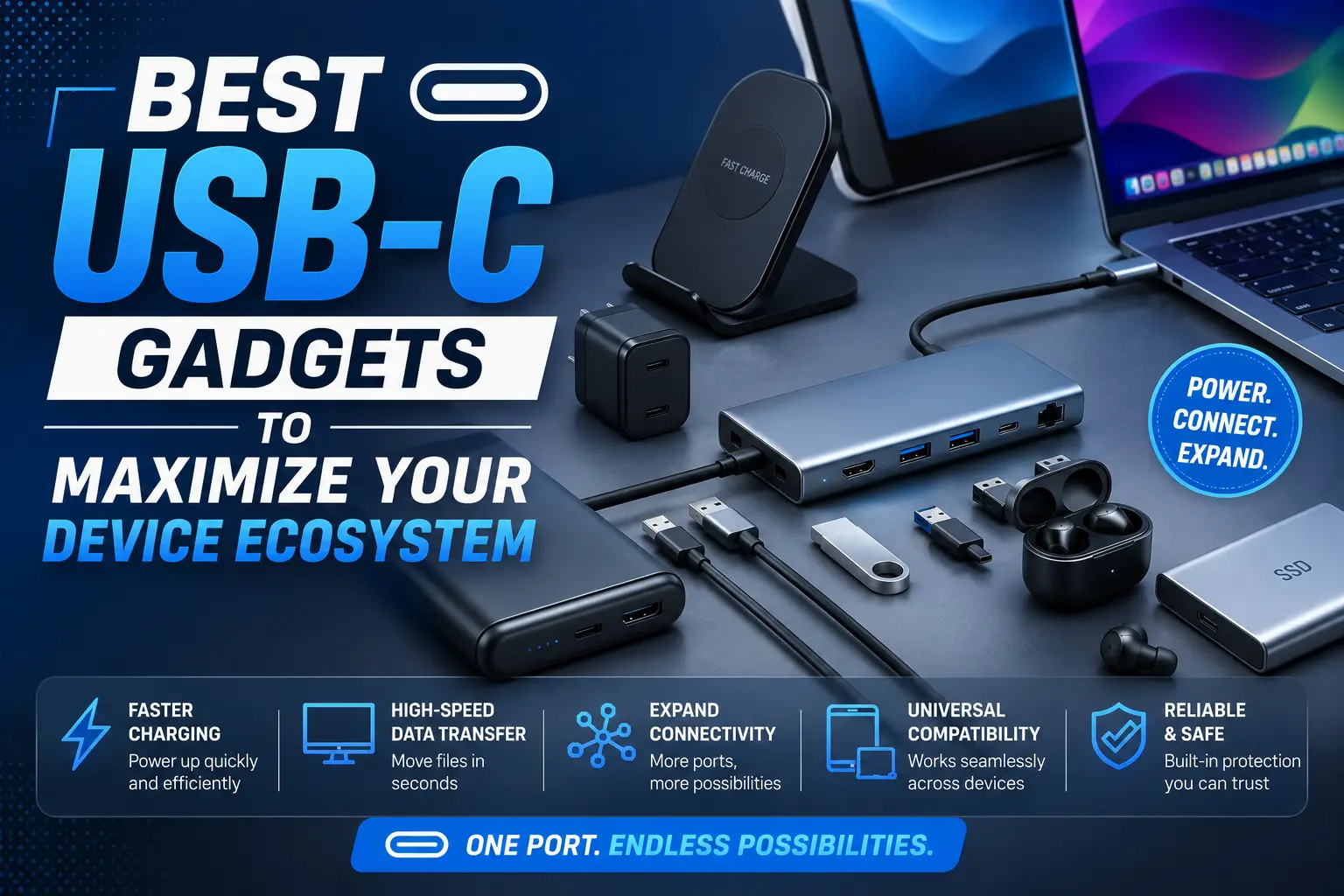
USB-C has effectively standardized the way we power and connect our digital lives. By moving toward a universal interface, users can now streamline their desks, travel lighter, and ensure compatibility across smartphones, tablets, and high-performance laptops. Maximizing your ecosystem requires choosing peripherals that not only fit the physical port but also support the high-speed data, charging, and display standards that make your devices truly versatile.
Essential Peripherals for Connectivity
A cohesive ecosystem relies on moving data and signals reliably. The right set of USB-C accessories transforms a solitary device into a multi-functional workstation.
-
Multi-Port Hubs: These are the backbone of any USB-C setup. Look for models featuring pass-through charging, HDMI outputs for external monitors, and high-speed USB-A ports to keep legacy accessories relevant.
-
High-Speed External SSDs: Modern USB-C drives offer lightning-fast transfer speeds, making them ideal for backing up massive video files or running applications directly from the drive without stuttering.
-
Display Adapters: If you frequently present or need a dual-monitor setup, a compact USB-C to DisplayPort or HDMI adapter is mandatory. Ensure you choose one that supports 4K resolution and high refresh rates.
-
Ethernet Adapters: Even in a wireless world, a stable wired internet connection is essential for professional reliability. A USB-C to Gigabit Ethernet adapter provides the consistent speed needed for large downloads and video conferencing.
-
Card Readers: For photographers and videographers, a dedicated USB-C memory card reader facilitates quick offloading of raw media files directly to a tablet or laptop.
Power Solutions for Efficiency
Efficient power management keeps your ecosystem running throughout the day. USB-C Power Delivery (PD) is the key technology that allows a single charger to safely power a wide range of devices, from small earbuds to demanding laptops.
-
Gallium Nitride (GaN) Chargers: These chargers are significantly smaller and more efficient than traditional silicone-based bricks. A 100W GaN charger with multiple USB-C ports can power a laptop, phone, and tablet simultaneously.
-
Universal Power Banks: Choose a portable battery that supports high-wattage output. This ensures you can top up your laptop in an emergency, not just your phone, while utilizing the same cable you use at your desk.
-
Magnetic Charging Cables: For stationary devices, magnetic USB-C connectors prevent port wear and tear. They snap into place easily, protecting your device’s port from repeated physical strain.
-
Long-Reach Braided Cables: Invest in high-quality, long-reach cables that support both high-speed data and power. Braided exteriors provide better durability against bending and fraying in high-traffic workspaces.
Optimizing Specialized Workflows
The true power of a USB-C ecosystem lies in how it adapts to niche professional requirements. You can tailor your desk setup by integrating hardware that expands the capabilities of your base devices.
-
USB-C Monitors: These displays utilize a single cable to provide power, data, and video signals. This eliminates cable clutter, turning your monitor into a docking station that instantly charges your laptop the moment you plug it in.
-
Audio Interfaces: Digital creators can benefit from USB-C audio interfaces that offer low-latency recording. Using a standard interface ensures that your microphone and studio monitors integrate seamlessly with your mobile or desktop setup.
-
Docking Stations: Unlike small hubs, full-sized docking stations are powered units that provide desktop-grade connectivity. These are perfect for users who want to switch from a mobile lifestyle to a stationary office environment by plugging in just one cable.
Conclusion
Maximizing your device ecosystem is all about reducing complexity and increasing functionality through the universal standard of USB-C. By investing in GaN power solutions, versatile hubs, and single-cable display setups, you create a seamless workflow that travels with you. Focus on choosing peripherals that match the power and data standards of your primary devices to ensure you get the best performance from every connection.
FAQs
1. Does every USB-C cable work the same? No. Cables vary significantly in their support for power delivery (watts), data transfer speeds (Gbps), and display output. Always check the specifications on the packaging to ensure the cable supports your specific needs.
2. What should I look for in a USB-C hub? Look for “pass-through charging,” which allows you to plug your laptop’s charger into the hub so you only use one port on your computer. Also, verify that the HDMI port supports the resolution and refresh rate of your monitor.
3. Why choose GaN chargers over standard ones? GaN (Gallium Nitride) components are more thermally efficient than silicon, allowing chargers to be much smaller while outputting higher wattage, which is perfect for charging laptops and tablets quickly.
4. Can I use a high-wattage charger with a low-wattage device? Yes. Modern USB-C Power Delivery (PD) technology negotiates the power requirements between the charger and the device, meaning a 100W charger will safely charge a 20W phone without damage.
5. How do I protect my USB-C ports from damage? Avoid forceful plugging and unplugging. Using magnetic breakaway adapters or keeping a hub permanently connected can reduce the physical stress on your laptop’s built-in ports.