

Introduction
A website can look perfectly normal to visitors while carrying small technical SEO problems behind the scenes. Multiple meta description tags are one of those issues.
You may have a page with strong content, a relevant keyword, and a well-written title, yet the HTML contains two or more meta descriptions. This does not automatically mean Google will penalize the page, but it can create unnecessary confusion around how the page is described in search results.
For businesses that rely on organic search to support B2B lead generation and B2B demand generation, keeping important technical details clean matters. Search visibility is not only about publishing more content. Your website also needs a solid technical foundation.
What Is a Meta Description?
Meta Description—This is an HTML attribute that provides a concise overview of a web page.
It is normally placed inside the page’s <head> section:
<meta name=”description” content=”A short description of the webpage.”> Visitors do not usually see it on the page itself. Instead, Google may use it in generating the search snippet that appears below the title.
If Google decides that some other part of the page is a better fit for the user’s search, it can create a snippet from the page’s content. That implies your meta description isn’t a command directing Google exactly what to show.
But crafting a useful description is worth it because it gives search engines a clear summary of the page and can influence how consumers see the result.
What Happens When You Have Multiple Meta Description Tags?
A page should typically have one distinct meta description.
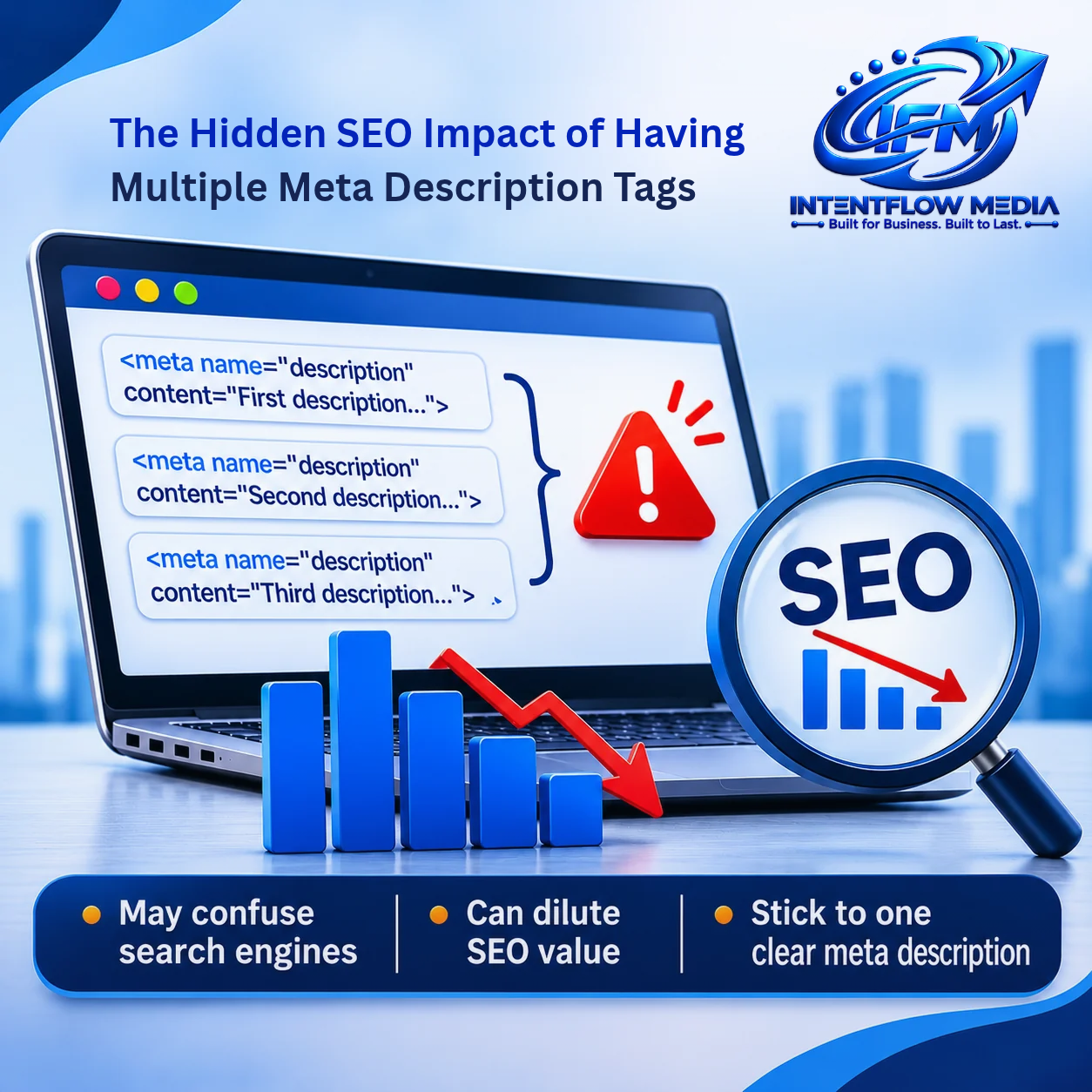
If the HTML has something like this, problems may arise:
B2B lead generation services for developing businesses.
<meta name=”description” content=”Generate qualified prospects through targeted marketing campaigns.”> Both tags describe the same URL.
This happens a lot because there is more than one system that creates SEO information. Say a WordPress site may include an SEO plugin, a theme, bespoke code, or another plugin that adds metadata at the same time.
The problem is not just that Google perceives two sentences.
The more serious problem is you have competing sources on your website managing the same SEO factor.
Does Multiple Meta Descriptions Directly Hurt Rankings?
Not necessarily.
Having several meta description tags is not an inevitable Google ranking penalty. Google might pick what information to utilize when creating the search snippet, and it could skip the description provided altogether when another element of the page is a closer match to the query.
That said, fixing several tags is still worth it.
Technical SEO is in part about removing unneeded friction. If two systems are giving you conflicting descriptions, you have less control over the information linked with the page.
For significant commercial pages, you don’t want to leave it hanging.”
Why Meta Descriptions Still Matter for SEO
The meta description is not considered a direct ranking element, but it can impact how your search result appears.
Think about the search results page from the user’s point of view.
Somebody is looking for a specific service. They find multiple results with similar titles. The description under each title is giving readers more information to go on before they pick where to click.
A simple description of value can convey:
• What the page contains
• What the company provides
• Relevance of the material to the search
• What the visitor will get after clicking
Or it can accomplish the opposite, with a weak or obsolete description.
The page may still rank, but the search result is no longer a good representation of the current offer.
Multiple Meta Descriptions vs. Duplicate Meta Descriptions
These two problems are easy to confuse.
Multiple Meta Descriptions on One URL
This means one webpage contains two or more description tags.
Example:
<meta name=”description” content=”Description one.”><meta name=”description” content=”Description two.”>
This is mainly a technical implementation problem.
Duplicate Meta Descriptions Across Different URLs
This is different.
Imagine a website has 50 service and blog pages, but many of them use the same description.
Each URL may technically have one meta description, but the descriptions do not tell searchers anything unique about the individual pages.
For important pages, unique descriptions are generally the better approach.
A page about account-based marketing should not have exactly the same description as a page about appointment setting simply because both belong to the same company.
Why Multiple Meta Descriptions Usually Appear
There are several common causes.
1. Two SEO Plugins Are Active
If two plugins are configured to generate SEO metadata, both may output a description.
This is one of the first things to check on WordPress websites.
2. The Theme Adds Its Own Description
Some themes contain built-in SEO functions. If an SEO plugin is also active, duplicate metadata can appear.
3. Custom Code Is Adding Metadata
A developer may have manually added a meta description to a template or header file.
4. A Plugin Is Injecting Metadata
Marketing, analytics, page-builder, and SEO-related plugins can sometimes modify the page head.
5. The Old SEO Code Was Never Removed
Website redesigns often leave behind old snippets of code.
A business may change its SEO plugin but forget that the previous system was still generating metadata.
How to Check for Multiple Meta Description Tags
You don’t have to guess if the problem is there.
View Page Source
Head to the webpage and read its source code.
Then look for:
<meta name=”description”
If you have many active description tags on the same page, you should explore the source of each.
Utilize the SEO Spider.
SEO crawling technologies may crawl huge websites and find pages with multiple or duplicate meta descriptions.
This is important, especially for larger sites where validating each URL manually would take too much time.
Check Rendered HTML.
If you suspect JavaScript, verify the rendered page as well.
Sometimes you have one description in the original HTML, and another one that is added after the page is loaded.
How to Fix Multiple Meta Description Tags
The fix depends on what is generating the duplicate.
Step 1: Find the Source
Identify whether the descriptions are coming from your:
- SEO plugin
- WordPress theme
- Page builder
- Custom code
- Marketing plugin
- JavaScript
Step 2: Choose One System
Decide which system should manage your SEO metadata.
There is no benefit in having several tools trying to control the same description.
Step 3: Remove the Duplicate
Once you identify the second source, disable or remove the duplicate output.
Do not simply edit the description repeatedly without fixing the underlying cause.
Step 4: Write a Page-Specific Description
Your remaining description should accurately summarize that particular page.
Use the main keyword naturally if it fits, but don’t turn the description into a keyword list.
Step 5: Crawl the Website Again
After fixing the problem, run another crawl.
Check important pages such as
- Homepage
- Service pages
- Product pages
- Blog posts
- Landing pages
- Category pages
This confirms that the duplicate metadata has actually been removed.
How to Write a Better Meta Description
Once the technical problem is fixed, improve the description itself.
A good meta description should:
- Describe the page accurately
- Match the search intent
- Sound natural
- Include relevant keywords when appropriate.
- Give users useful context
- Avoid unnecessary repetition.
- Be specific to the page.
For example:
Weak:
B2B leads, B2B lead generation, lead generation services, B2B leads company, qualified B2B leads.
Better:
Generate qualified B2B leads with targeted campaigns built around your ideal customers, markets, and sales goals.
The second version reads like something a real business would write for a potential customer.
Also, don’t obsess over an exact character count. Google can shorten or rewrite snippets depending on the search query, device, and page content.
A Simple Meta Description SEO Checklist
Before publishing a page, check:
- Is there only one meta description?
- Is it unique to the page?
- Does it accurately describe the content?
- Does it match the search intent?
- Is the primary keyword used naturally?
- Is another plugin generating metadata?
- Is the theme adding another description?
- Does the rendered HTML contain duplicates?
- Have important pages been checked after the fix?
These checks are simple, but they can prevent small technical problems from spreading across an entire website.
FAQs
1. Can multiple meta descriptions cause a Google penalty?
There is no reason to treat multiple meta descriptions as an automatic Google penalty. However, duplicate or conflicting metadata is still a technical issue worth correcting.
2. Should every page have a meta description?
Important indexable pages should generally have useful, relevant descriptions. However, Google may generate its own snippet when it believes page content better matches the search query.
3. How many meta descriptions should one page have?
One clear meta description is the cleanest setup for a page.
4. Do meta descriptions improve rankings?
Meta descriptions are not a direct Google ranking factor. Their value is mainly in helping describe the page and potentially improving how the search result communicates with users.
Conclusion
Multiple meta description tags may look like a minor HTML problem, but they are often a sign that different parts of a website are working against each other.
The goal is not to panic over one technical warning or assume that Google will immediately push a page down the results. The better approach is to find out why multiple descriptions exist, remove the duplicate source, and make sure each important page has a clear and relevant description.
For businesses investing in B2B lead generation and demand generation campaigns, these details are worth getting right. Your content, technical SEO, search snippets, and conversion paths should all support the same goal.
A clean meta description setup will not solve every SEO problem. It does, however, remove one unnecessary technical issue and gives your important pages a cleaner foundation for search visibility.
SEO works best when the small details are handled properly alongside the bigger strategy.